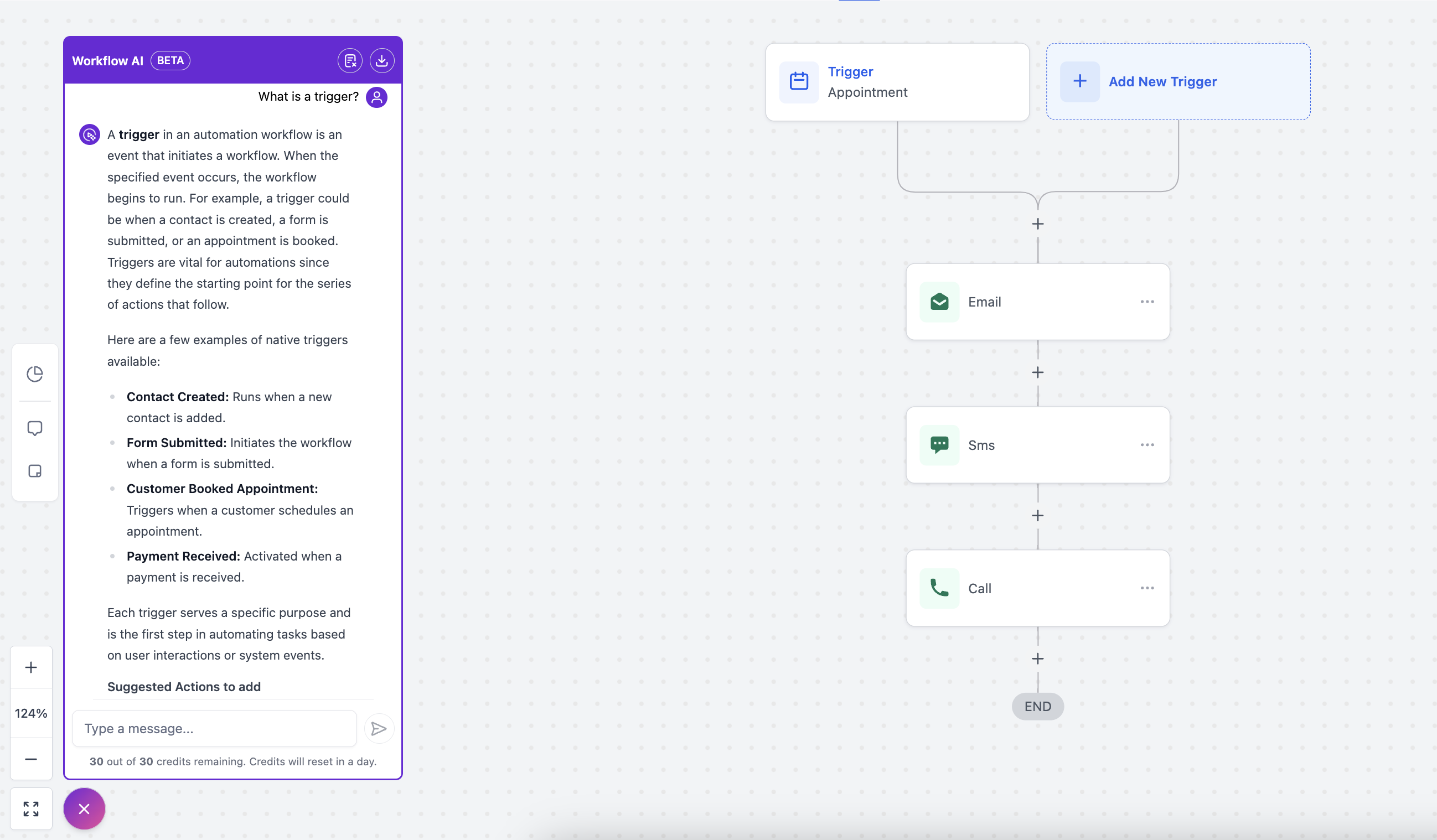
Automation AI Assistant Inside Your Workflows!
What is Workflow AI?
Workflow AI is an AI powered assistant which will help you building workflows from scratch to finish with ease. It is a helpful guide that’s there to support you as you create, optimize, and manage workflows. Whether you're creating new workflows or refining your workflows, Workflow AI provides step-by-step guidance, suggest the right actions for the job and insights on how to optimize your workflow.
You just have to type what you want to build and Workflow AI will give you the list of actions and triggers to be added to achieve it and how to configure them.
What can Workflow AI do?
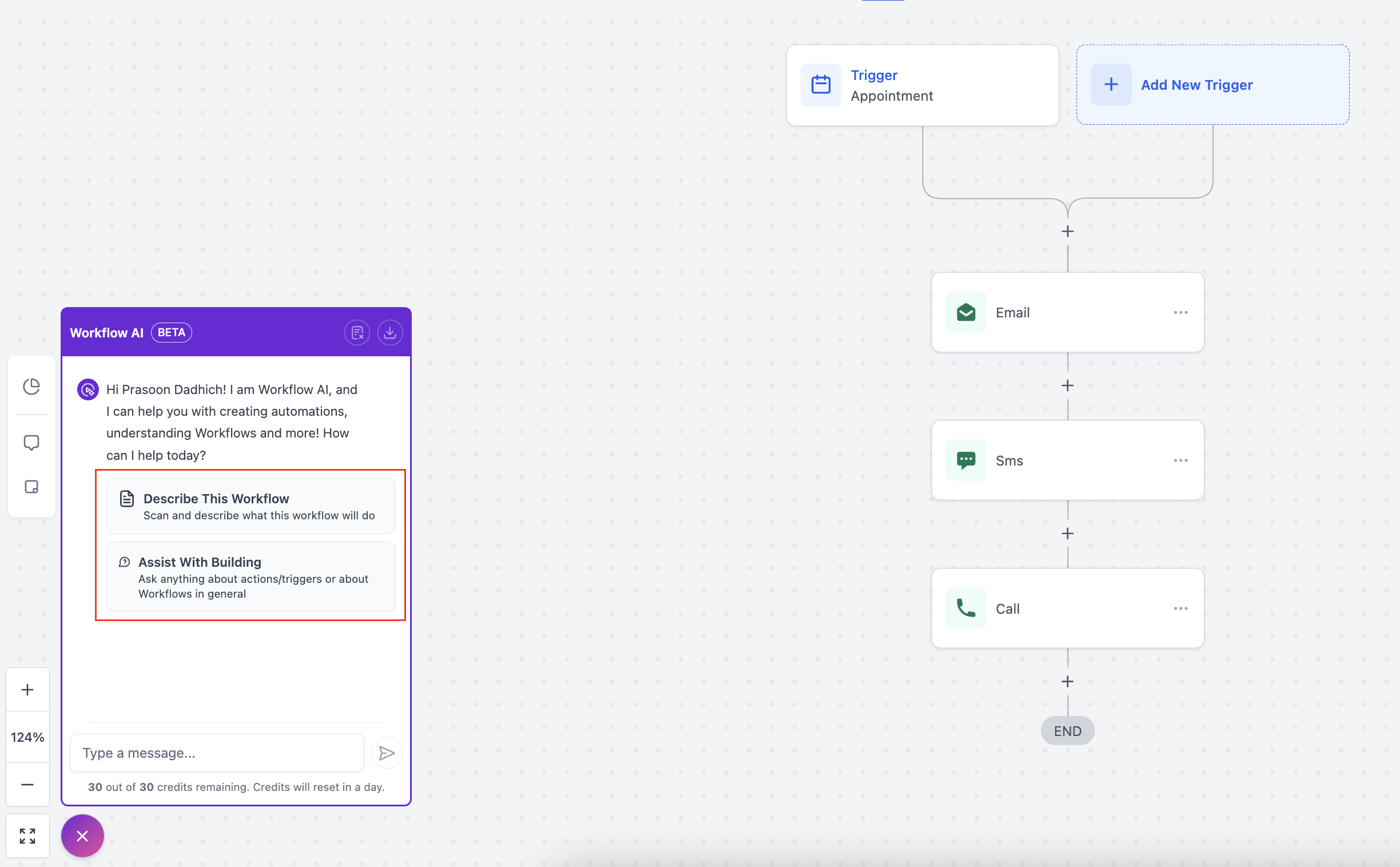
Help you with your first workflow: If you are new to workflows, you can just mention what you want to achieve and Workflow AI will give you the actions and triggers you need to add and help you configure the same. AI Assistant can also explain what are workflows and how to use them.
Break Down Your Workflow: If you're not sure about a specific part of your workflow, just ask. Workflow AI can describe what’s happening, making complex workflows easier to understand.
Make Your Workflows More Efficient: Workflow AI can scan your workflow for potential improvements, offering tips on how to streamline processes and what actions can be added to achieve it.
Step-by-Step Guidance: Need help setting up a workflow? Workflow AI can guide you through the process, explaining each step so you can feel confident in what you’re building.
Answer Questions: Got questions while you’re working on a workflow? You can ask Workflow AI for help with any doubts or queries—whether it’s about specific actions or general best practices.
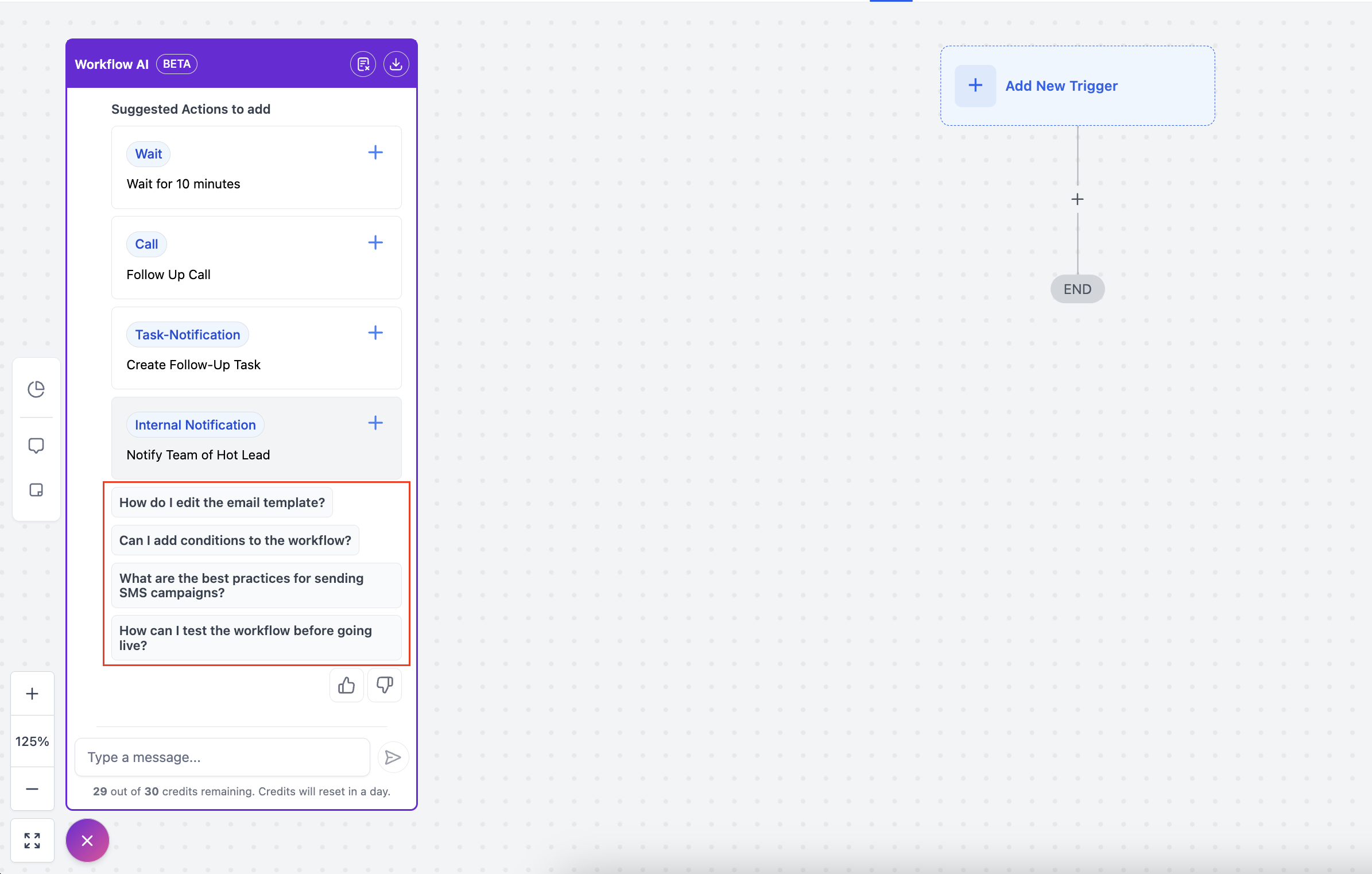
Add Actions to Your Workflow: It can even help you add specific actions—like sending an SMS reminder, waiting for confirmation, updating an appointment status, or tagging contacts based on activity.
Suggest Next Steps: Not sure what to do next? Workflow AI provides suggestions for the next steps you should take, helping you move forward with confidence.
How to get started with Workflow AI?
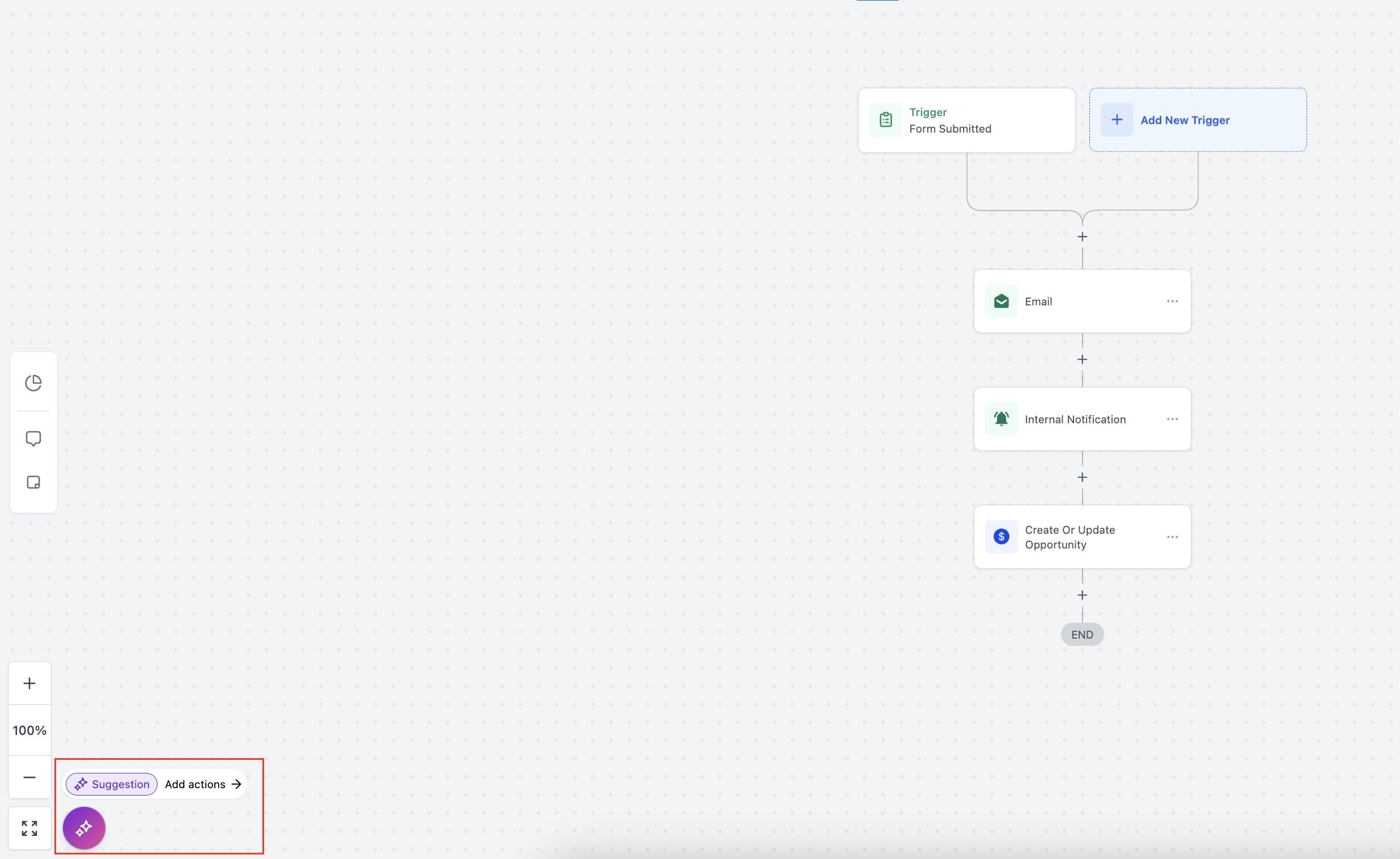
When you open the builder you can find the Workflow AI on the bottom left corner of the builder.